
Create Table
- Create a report using the Corrective Actions view
- In this report, I want to calculate the average days by each Site/Level 2 Name.
Add Level 2 Name and CA Days Taken to Complete fields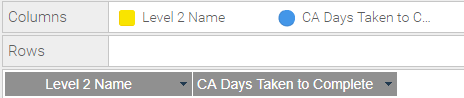
- Add an 'Advanced Function' to the Days field
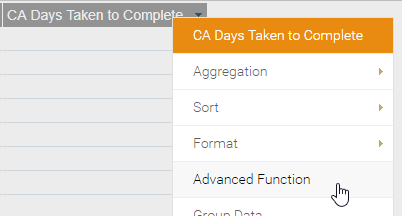
- Change the function to 'Statistical' and select Mean.
Group by Dimension: Yes
Dimensional Col: Level 2 Name
- This will calculate the mean/average value for each site
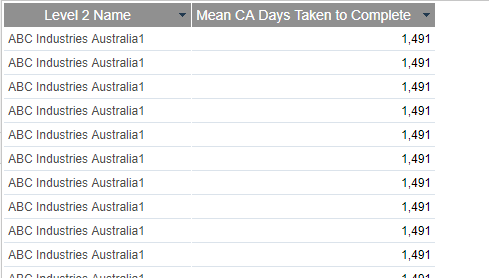
Create Chart
- Navigate to the Charts tab.
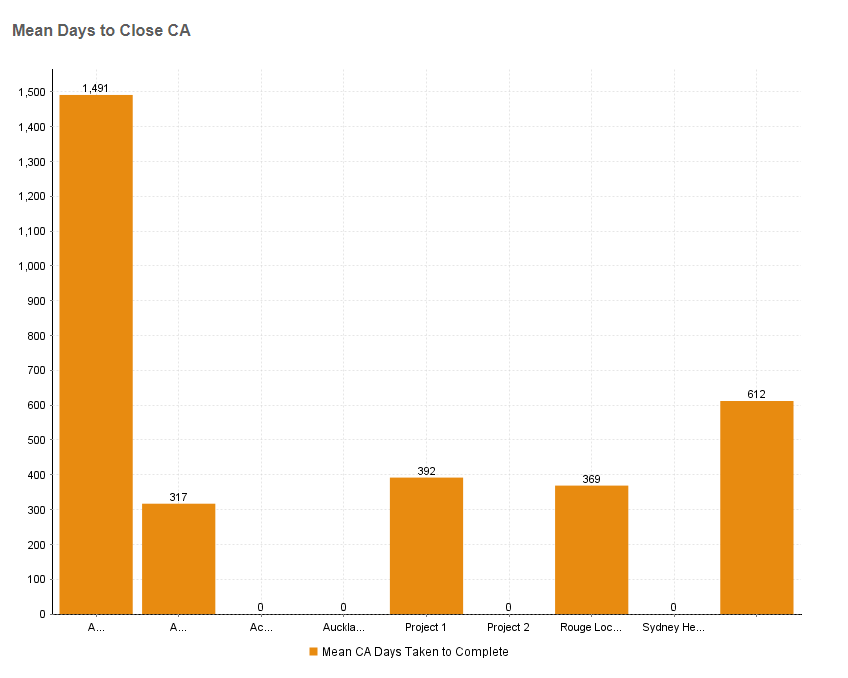
- Choose your preferred chart type, in my example, I have used a column chart.
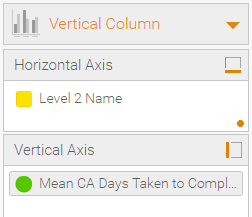
- Change the aggregation to 'Max' this will prevent the values from adding together.
Voila!
Comments
0 comments
Article is closed for comments.