
Rolling average report page can be accessed via the left-sided navigation by clicking Reports -> Rolling average report menu item.
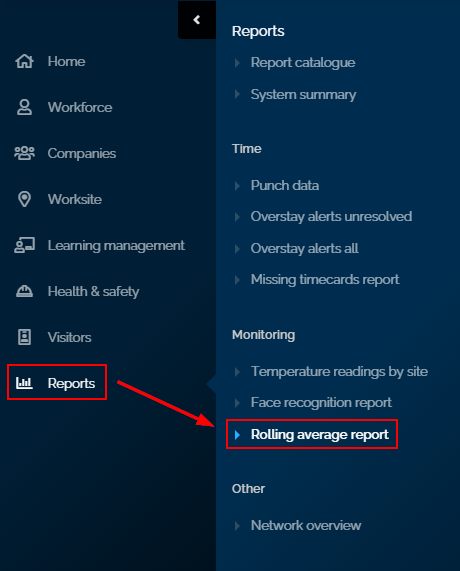
The rolling average report menu items allow levels 2-3 to generate and view a report on the rolling average employees' timecards during any given date range based on the selected worksite(s).
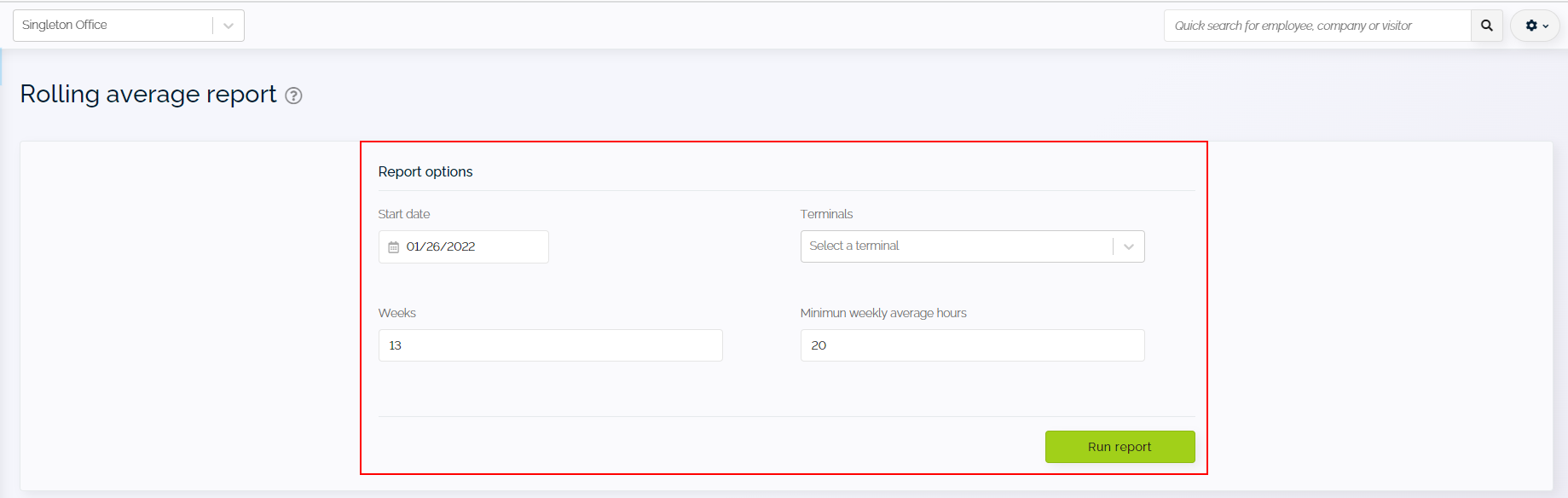
Worksite users can generate reports based on the below report parameters.
- Date range
- Terminals
- Weeks
- Minimum weekly average hours
The generated report will display the following information:
- Name
- Click here to view the employee profile page
- ID number
- Company
- Average weekly hours

Note:
- Click on
 button to export the generated report into excel or CSV format
 - Click
 to navigate to the next page or the previous page of the report displayed on the screen.
Comments
0 comments
Please sign in to leave a comment.