
How to find your Damstra Forms app version, and how to update it.
Want to check whether you're using the most up-to-date Damstra Forms app? Here's where to find the version in the app you're using, and where to find Damstra Forms in your app store.
iOS
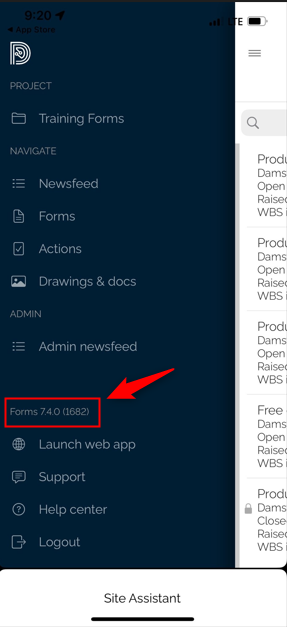
The version you currently have installed can be found in the left navigation menu, above the Help and Support link.
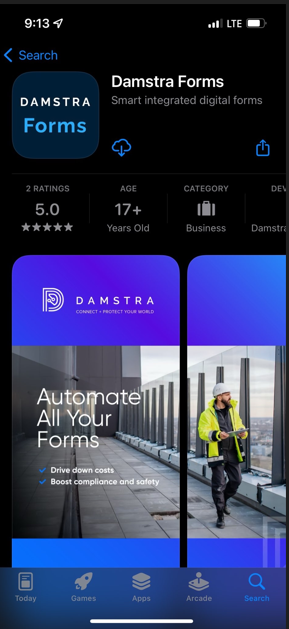
To install or update (if you don't have automatic update turned on), the Damstra Forms app can be found by searching the App Store for "Damstra Forms Onsite", or use this link.
Windows
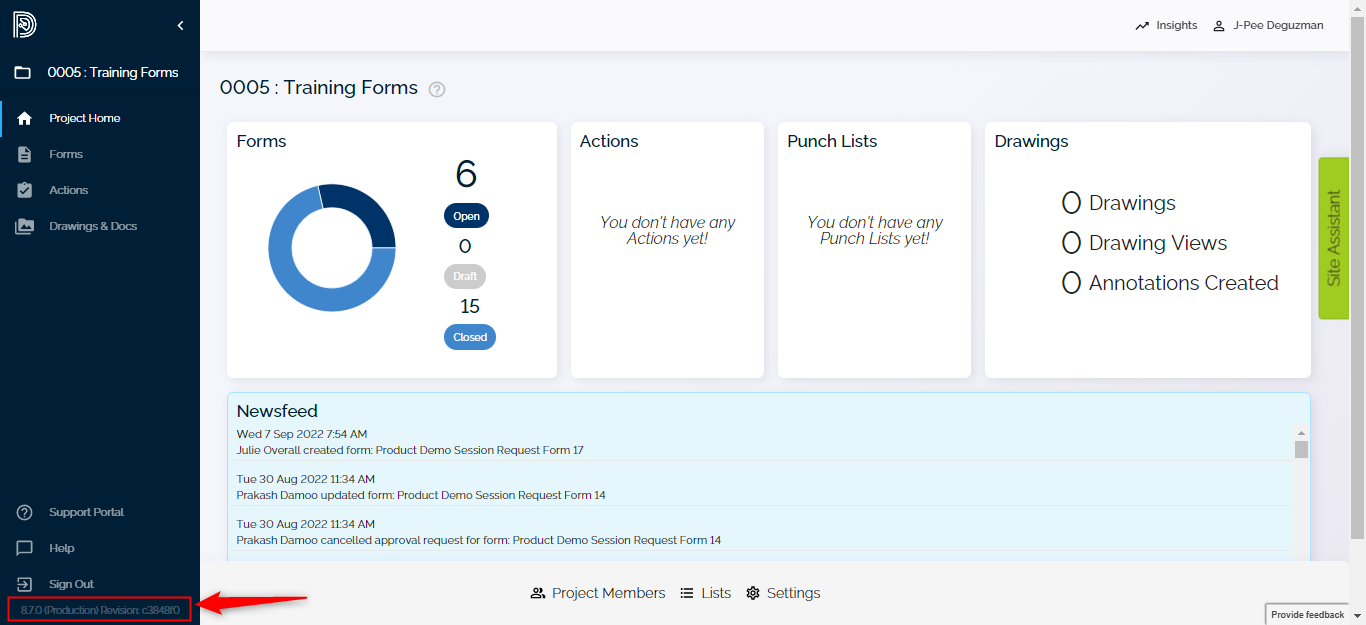
To find the Damstra Forms version in Windows, have a look at the left navigation menu - the version details can be seen directly below the Sign Out button.
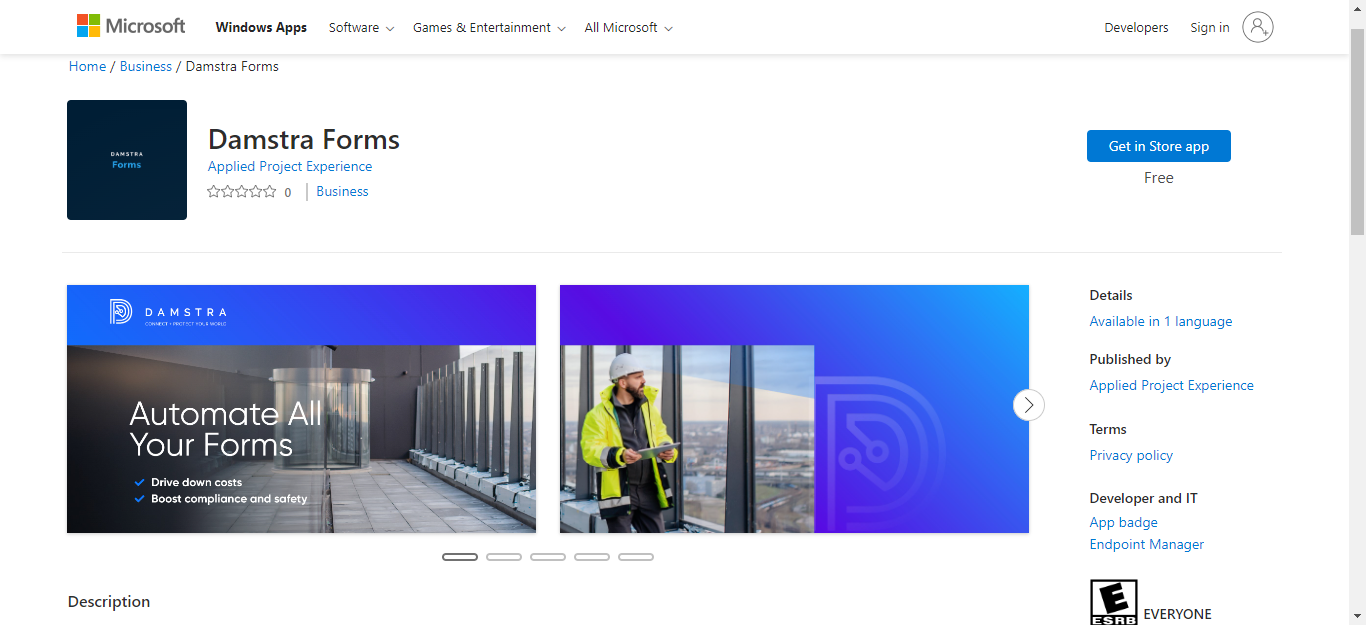
Damstra Forms can be installed or updated by going into the Store app and searching for Damstra Forms, or find it here. There, you'll be given the option to Install, Launch or Update, depending on whether you've got the latest Damstra Forms installed already.
Android
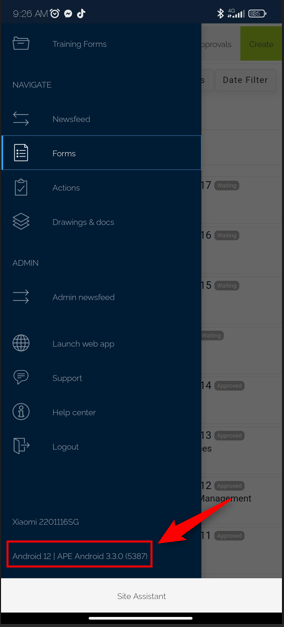
The app version you have installed on your Android device can be found at the bottom of the left navigation menu in the app (you will need to have signed in).
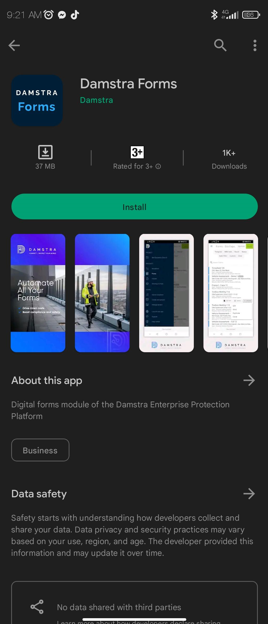
Install or update the app here, or by searching for "Damstra Forms" in Google Play.
Comments
0 comments
Please sign in to leave a comment.