
The employee has likely already been entered into the system under another company and will require you to follow a few simple steps to reassign them to your own company:
1. Go to your manage employees page for the project you need the employee on

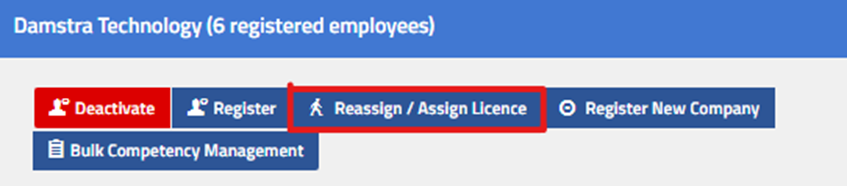
2. Select the blue "reassign/assign licence" button
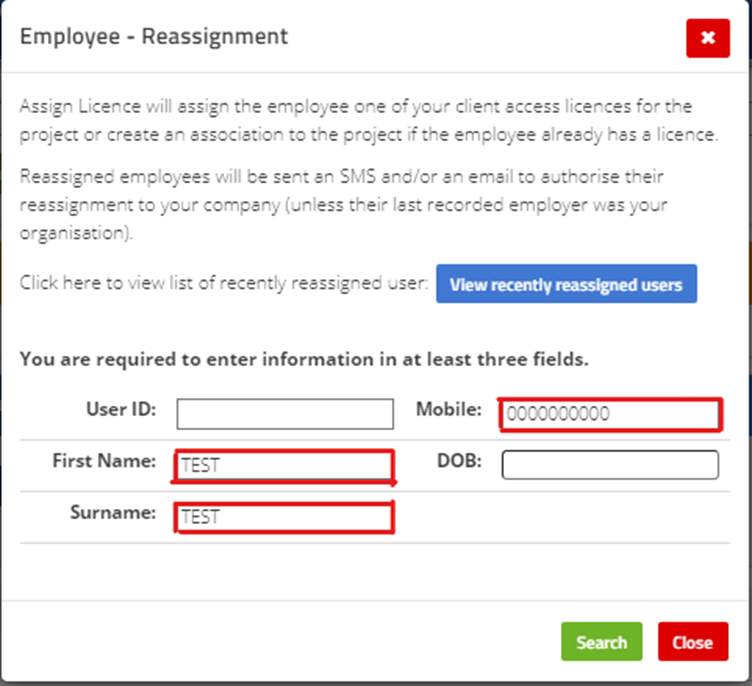
3 Enter their first name/last name and mobile number (Only these three details)
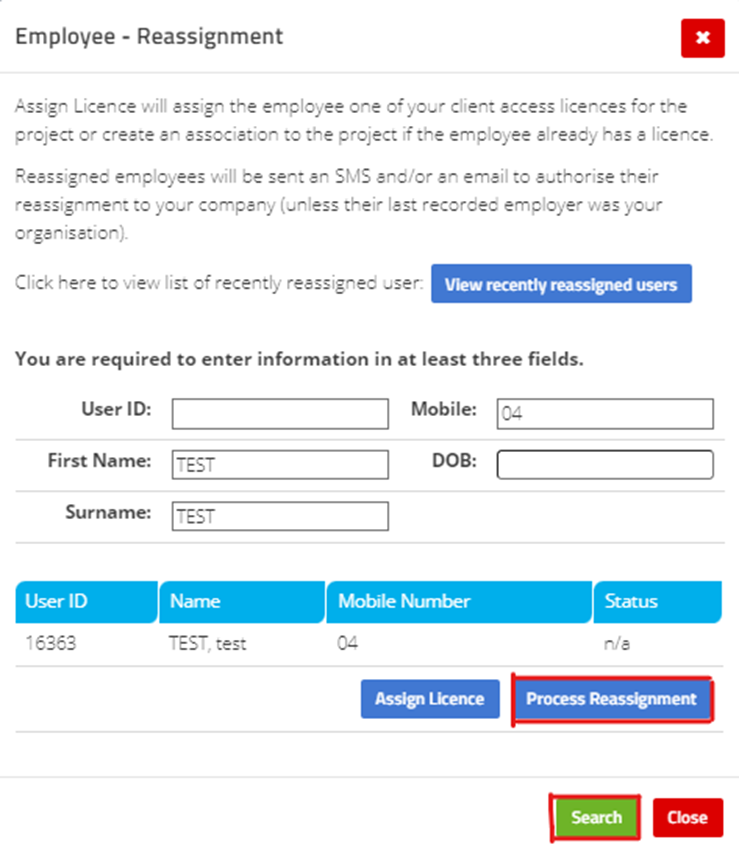
4. Press search and select process reassign. You will also then be able to check a box to assign a licence if they require one and you have any spare at this point in time.
Comments
0 comments
Please sign in to leave a comment.