
Portable Terminal - Breath Testing (LE5)
Logging on and Completing a BAC Test
|
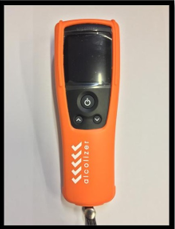
Portable Alcolizer will automatically go into Sleep Mode after a short time (Pic 01)
If the Alcolizer is in Sleep Mode, press the large button in the center to wake/power on the Portable Alcolizer. (Pic 02, shows the device starting up)
Once the device has started up (roughly 10 - 15 seconds), the main menu will be displayed (Pic 03)
Press the large button in the centre once, to enter Testing Mode (Pic 04) |
|
||||
|
Using the Damstra Terminal, enter your ID or scan your card (Pic 05) |
 5 5 |
||||
| You will be advised to proceed to the alcolizer to provide a Breath Sample (Pic 06) | 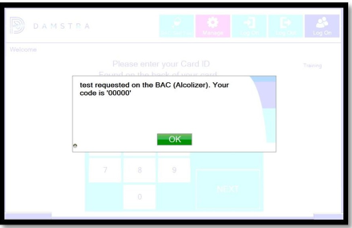 6 6 |
||||
|
With the Alcolizer ready in Testing Mode (as in Pic 04), press the large button in the center again to begin a test.
The Alcolizer will collect the sample (Pic 07), please count from 1 to 10 while keeping your mouth roughly 10 to 15cm away from the sample port (top)
The Alcolizer will display a result (Pic 08). Please await further instructions from the Damstra Terminal
The Alcolizer will then return to the main menu screen (Pic 09) |
|
 1
1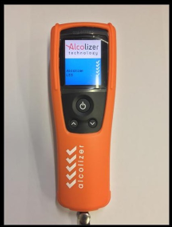 2
2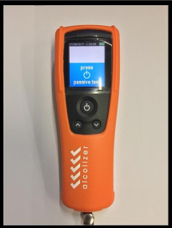 3
3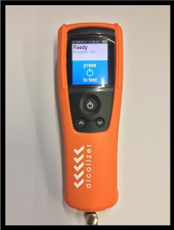 4
4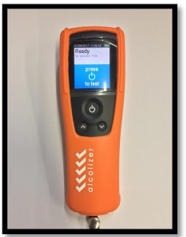 4
4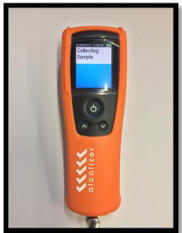 7
7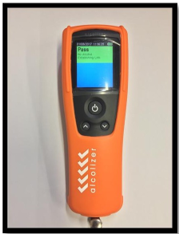 8
8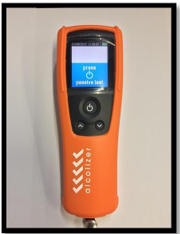 9
9
Comments
0 comments
Please sign in to leave a comment.