
How to Create Employee Portal Account
Allow your employees to manage their profiles by creating their employee portal account with the following steps,
1. Login to https://portal.damstra.com.au/
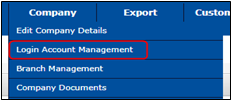
2. Hover the mouse to Company then click Login Account Management
3. You will land to the TWMS Portal Account page

4. Go to the Employee Accounts

5. Click  to see the list of your employees
6. You might see 3 different statuses in the list

-
-
- Valid – Account is created, verified, and unlocked.
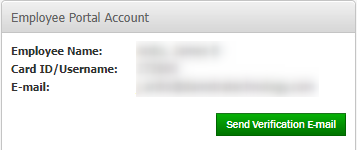
- Not Verified – Account is created but locked out. Click to send a password reset email.
-
-
-
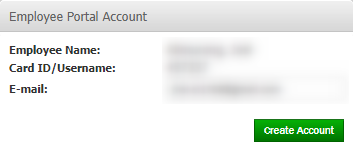
- No Account – An account has not been created. Click it to create the account.
-
Comments
0 comments
Please sign in to leave a comment.