
How to View Company Documents
TWMS Mobile app allows you to view your company’s policies, and other documents.
Note: Company may opt to utilise this feature.
1. Login to your employee portal account
2. Click Documents

3. Policies and other company documents are displayed
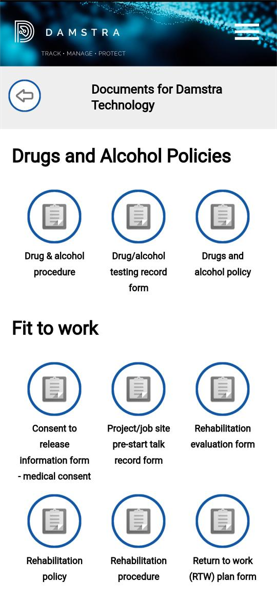
4. Click the document to download the file
Comments
0 comments
Please sign in to leave a comment.