How to View Timecards
TWMS Mobile app allows you to view your total worked hours.
1. Login to your employee portal account
2. Click Timecards

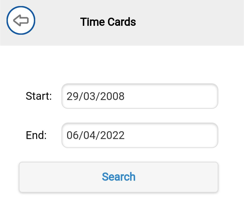
3. Change date range, then click search
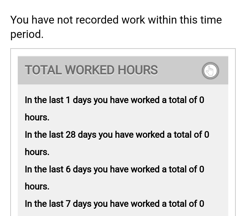
4. Click  to expand and view your total work hours

How to View Timecards
TWMS Mobile app allows you to view your total worked hours.
1. Login to your employee portal account
2. Click Timecards
3. Change date range, then click search
4. Click to expand and view your total work hours
Comments
0 comments
Please sign in to leave a comment.